ZATCA Invoice Rejected? The Correct Fix | E-Invoicing
ZATCA invoice rejected? Learn what response codes 200, 202 and 400 mean, why rejected invoices can't be cancelled or credit-noted, and how to fix and resubmit.
Chapters
0:00 Intro: ZATCA invoice rejected, what now? 0:30 Is cancelling the invoice the right move? 0:58 Rejection alert from the ZATCA portal 1:27 The strict rule: invoices cannot be cancelled 1:59 ZATCA response codes (200, 202, 400) 2:30 Unapproved invoices and credit notes 3:02 QR code & cryptographic stamp 3:33 Three steps to fix a rejection 4:05 Avoiding common integration errors 4:35 Smart cloud invoicing with Qeemah Cloud 5:06 Compliance tips for Saudi businesses 5:38 Book your free demo
Ready to try it yourself?
Start using Qeemah Cloud free — ZATCA e-invoicing, POS, inventory & more.
Book Guided Demo →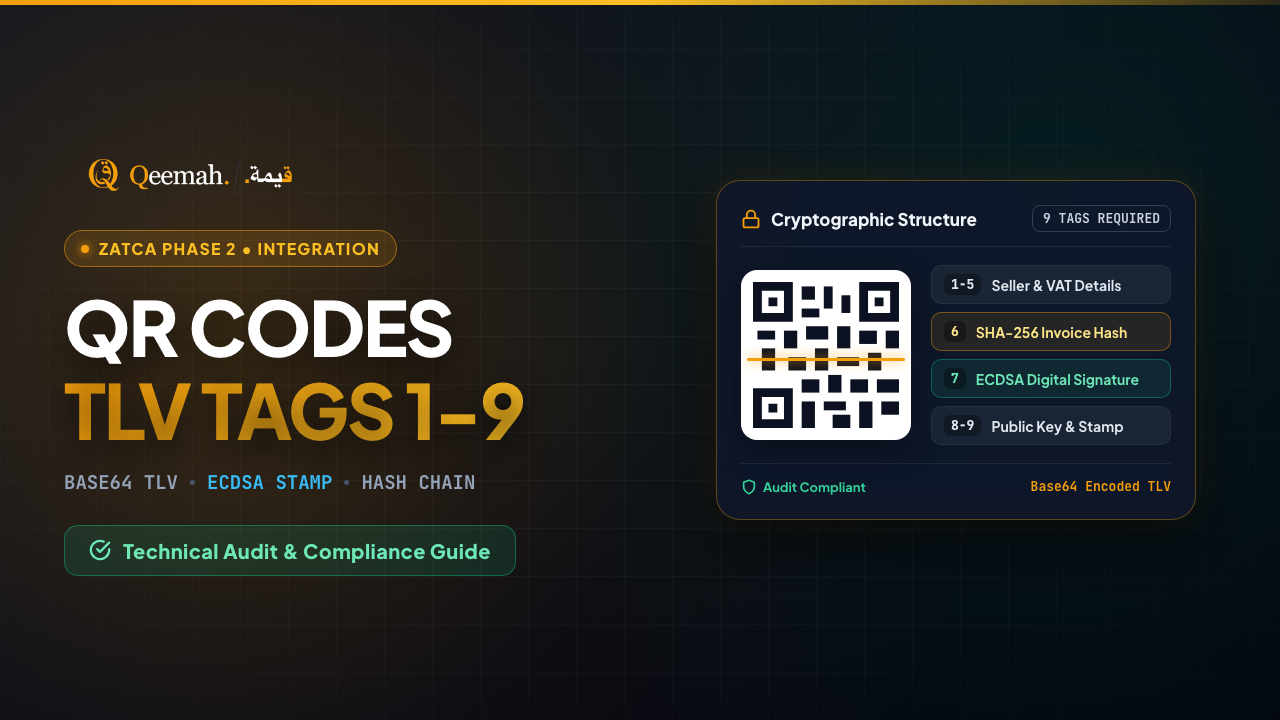
See Qeemah with your workflow first
Book a guided demo, then get a trial account prepared around your needs.
Demo first • Guided trial after the walkthrough