Free Saudi Tax Invoice Templates (Excel, Word & PDF) + ZATCA QR Rules (2026)
Download or generate ZATCA-compliant Saudi VAT tax invoice templates (Simplified B2C & Standard B2B). Mandatory fields, 15% VAT breakdown, TLV QR code rules, and why Phase 2 requires UBL 2.1 XML.
Summarize or verify this guide with AI:
Opens your preferred AI assistant with this article and ZATCA compliance context pre-loaded.
Quick Answer: Do Excel & Word Invoice Templates Still Work Under ZATCA?
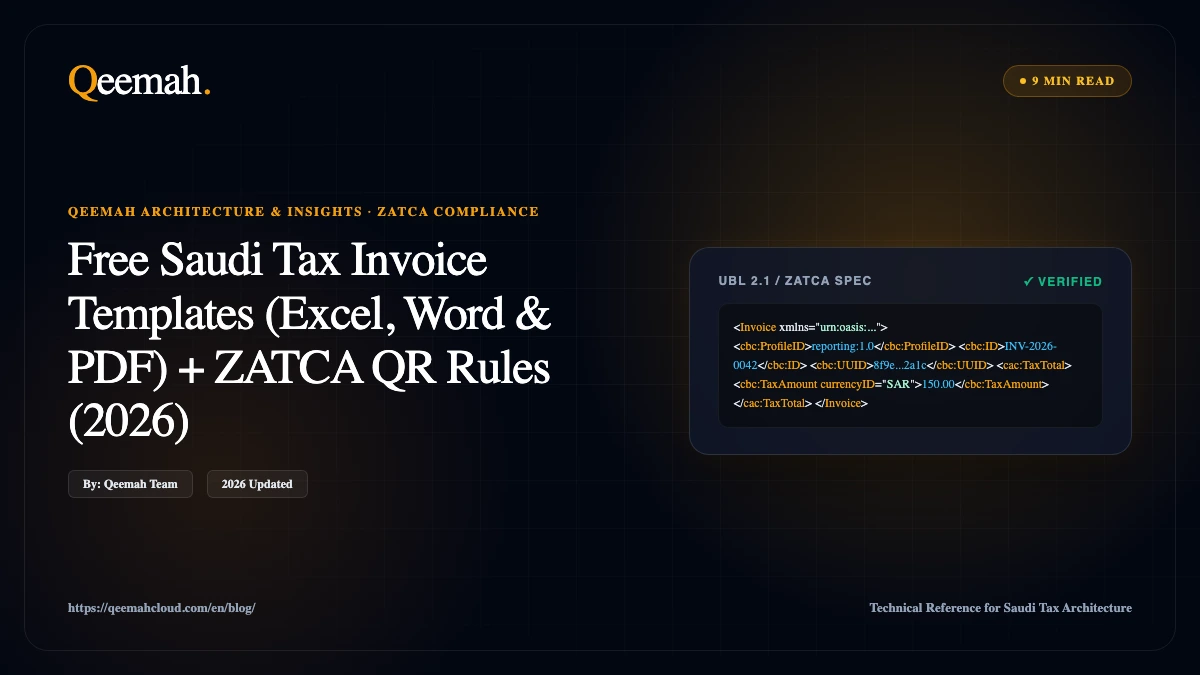
If you are looking for a free Saudi tax invoice template (Excel, Word, or PDF), here is the critical compliance rule first: static Excel and Word templates are no longer legal for VAT-registered businesses in Saudi Arabia. Under ZATCA Phase 1 (effective December 4, 2021) and Phase 2 (Integration Phase), every tax invoice must be generated by an electronic system that locks records against tampering and embeds a ZATCA TLV QR code—and in Phase 2, signs and transmits UBL 2.1 XML to Fatoora.
Instead of risking a SAR 5,000 to SAR 50,000 ZATCA penalty with a static spreadsheet, use our Free Saudi Invoice Generator to build and download a bilingual Arabic/English tax invoice PDF with an automatic ZATCA QR code in 30 seconds.
1. Standard Tax Invoice (B2B) vs. Simplified Tax Invoice (B2C)
Saudi VAT regulations (Article 53) and ZATCA e-invoicing controls split invoices into two distinct formats. Using the wrong template triggers immediate rejection or audit penalties.
| Feature | Standard Tax Invoice (B2B) | Simplified Tax Invoice (B2C) |
|---|---|---|
| Arabic Title Required | فاتورة ضريبية (Tax Invoice) | فاتورة ضريبية مبسطة (Simplified Tax Invoice) |
| Target Customer | VAT-registered businesses (B2B) & government (B2G) | End consumers & walk-in retail buyers |
| Buyer Name & VAT Number | Mandatory (15-digit VAT ID + National Address) | Optional (unless customer requests) |
| Supply Date (KSA-5) | Mandatory if different from issue date | Optional |
| Unit Price & Line VAT | Unit price excl. VAT, discount, VAT % & SAR per line | Total per line incl. VAT + total VAT summary |
| ZATCA Phase 1 QR Code | Optional in Phase 1; Mandatory in Phase 2 (generated by ZATCA on Clearance) | Mandatory in both Phase 1 & Phase 2 (Tags 1–5 in Phase 1; Tags 1–9 in Phase 2) |
| Phase 2 Integration Flow | Real-time Clearance before handing invoice to buyer | Reporting to ZATCA within 24 hours |
2. Mandatory Fields Checklist for Every Saudi Tax Invoice
Before sending any PDF or printed tax invoice to a client, verify that all required Arabic and English fields are present:
- Clear Invoice Type Header:
"Tax Invoice / فاتورة ضريبية"(B2B) or"Simplified Tax Invoice / فاتورة ضريبية مبسطة"(B2C). - Unique Sequential Number & Issue Timestamp: Date and time in
YYYY-MM-DD HH:MM:SSformat. - Seller Details: Legal business name, full National Address (building number, street, district, city, postal code), and 15-digit VAT Registration Number (starting and ending with
3). - Buyer Details (Mandatory for B2B): Buyer legal name, National Address, and 15-digit VAT number (or CR / National ID if non-VAT registered where applicable).
- Line-Item Breakdown: Item/service description, quantity, unit price excluding VAT, discounts, VAT rate (
15%,0%, orExempt), and tax amount in SAR. - Invoice Totals: Subtotal (excluding VAT), total VAT amount in SAR, and Grand Total (including VAT).
- ZATCA TLV QR Code: Base64-encoded Tag-Length-Value QR code containing Seller Name (Tag 1), VAT Number (Tag 2), Timestamp (Tag 3), Total with VAT (Tag 4), and VAT Total (Tag 5)—plus Cryptographic Stamp, Public Key, and Invoice Hash (Tags 6–9) in Phase 2.
Need to verify an existing QR code? Scan or paste it into our Free ZATCA QR Code Decoder or generate a compliant Phase 1 QR code using our ZATCA QR Code Generator.
3. Why Excel & Word Templates Fail ZATCA Phase 1 & Phase 2 Audits
Many SMEs search for “Saudi tax invoice template Excel” to save time, but spreadsheets violate four core ZATCA technical controls:
- Prohibited Editing & Deletion: Excel allows silent editing, backdating, or deleting of issued invoices, which violates ZATCA’s tamper-resistance rule.
- Missing TLV Base64 QR Encoding: Typing plain text into a generic QR generator does not create a valid ZATCA QR code. ZATCA requires strict binary TLV (Tag-Length-Value) encoding.
- No UUID, ICV, or PIH Hash Chain: Phase 2 requires a unique v4
UUID, sequential Invoice Counter Value (ICV), and SHA-256 Previous Invoice Hash (PIH) linking every invoice in an unbreakable chain. - No UBL 2.1 XML & ECDSA Signature: Fatoora APIs reject PDFs; ZATCA only accepts signed UBL 2.1 XML documents stamped with your organization’s Cryptographic Stamp Identifier (CSID).
4. Create Your Free Saudi Tax Invoice PDF Now (or Automate Phase 2)
- Need a one-off bilingual PDF invoice right now? Use our Free Saudi Tax Invoice Generator—complete with automatic 15% VAT math, Arabic + English layout, and a ZATCA-valid TLV QR code.
- Issuing recurring B2B or B2C invoices for a VAT-registered company? Qeemah Cloud automates UBL 2.1 XML generation, ECDSA signing, real-time B2B Clearance, and 24-hour B2C Reporting natively—with no middleware or per-invoice XML fees.
Explore Qeemah Pricing in SAR or Book a Free ZATCA Phase 2 Demo.
Frequently Asked Questions
Can I use an Excel or Word tax invoice template in Saudi Arabia in 2026?
No. Since December 4, 2021 (ZATCA Phase 1), manual Word, Excel, or handwritten paper tax invoices are prohibited for VAT-registered businesses in Saudi Arabia. You must issue electronic invoices through a compliant e-invoicing system that generates a TLV QR code (and UBL 2.1 XML + cryptographic stamp in Phase 2).
What is the difference between a Standard Tax Invoice and a Simplified Tax Invoice in KSA?
A Standard Tax Invoice (B2B) is issued between VAT-registered businesses (or for transactions ≥ SAR 1,000 where buyer VAT ID is required) and undergoes real-time ZATCA Clearance in Phase 2. A Simplified Tax Invoice (B2C) is issued to consumers or retail customers, contains a buyer-scannable QR code, and is reported to ZATCA within 24 hours in Phase 2.
What fields are mandatory on a Saudi VAT tax invoice?
A compliant Saudi tax invoice must display the invoice type title ('Tax Invoice' or 'Simplified Tax Invoice'), sequential invoice number, issue date and time, seller name, seller address, 15-digit seller VAT number (TRN), line-item description, quantity, unit price, 15% VAT amount, total inclusive of VAT, and a ZATCA TLV QR code.
How can I generate a free ZATCA-compliant PDF tax invoice with a QR code?
You can use Qeemah's Free Saudi Invoice Generator (/en/tools/free-invoice-generator/) to create an instant bilingual (Arabic/English) VAT invoice PDF with an embedded ZATCA TLV QR code, or start a Qeemah Cloud trial for automated Phase 2 UBL 2.1 XML clearance and reporting.